



Where is Change password?
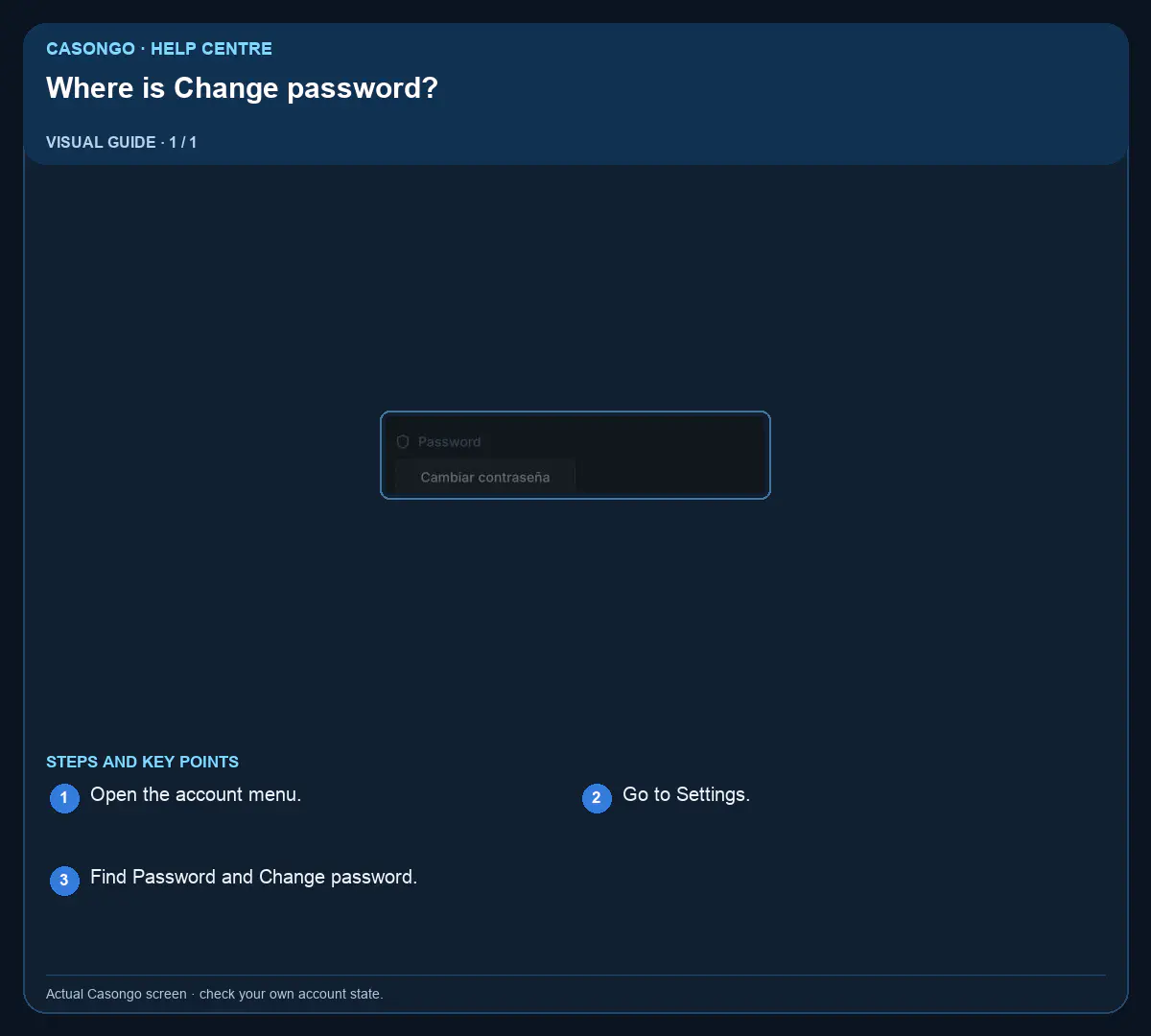
Change password is in Settings, in the Password section. If you forgot your password and cannot sign in, use Forgot password? on the Login screen.
Step by step
- 1Open the account menu.
- 2Go to Settings.
- 3Find Password and tap Change password.
Interface example. Your account state and availability may differ.