



How do I start email password recovery?
Tap Forgot password?, choose Reset by email, enter your account email and tap Send reset link. Open the link in the email and set a new password.
If it does not arrive, check spam and promotions. You can request up to 3 links every 15 minutes. We will never ask for your password.
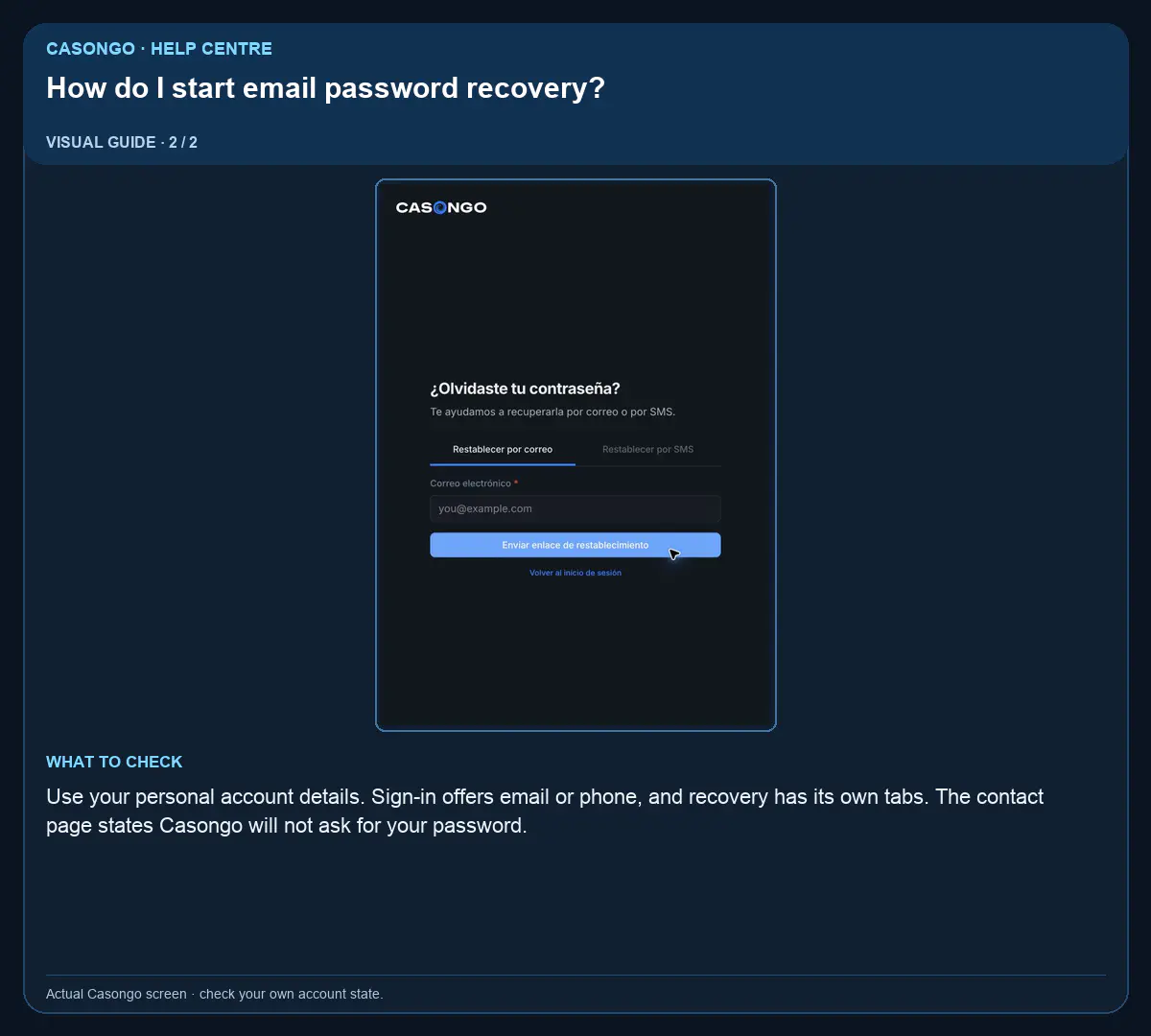
Interface example. Your account state and availability may differ.
Step by step
- 1On the Login screen tap Forgot password?
- 2Select Reset by email.
- 3Enter your account email.
- 4Tap Send reset link and open the link you receive.