



How do I make a deposit?
Your Wallet shows available payment methods and limits. Use your own payment methods and check the details before confirming.
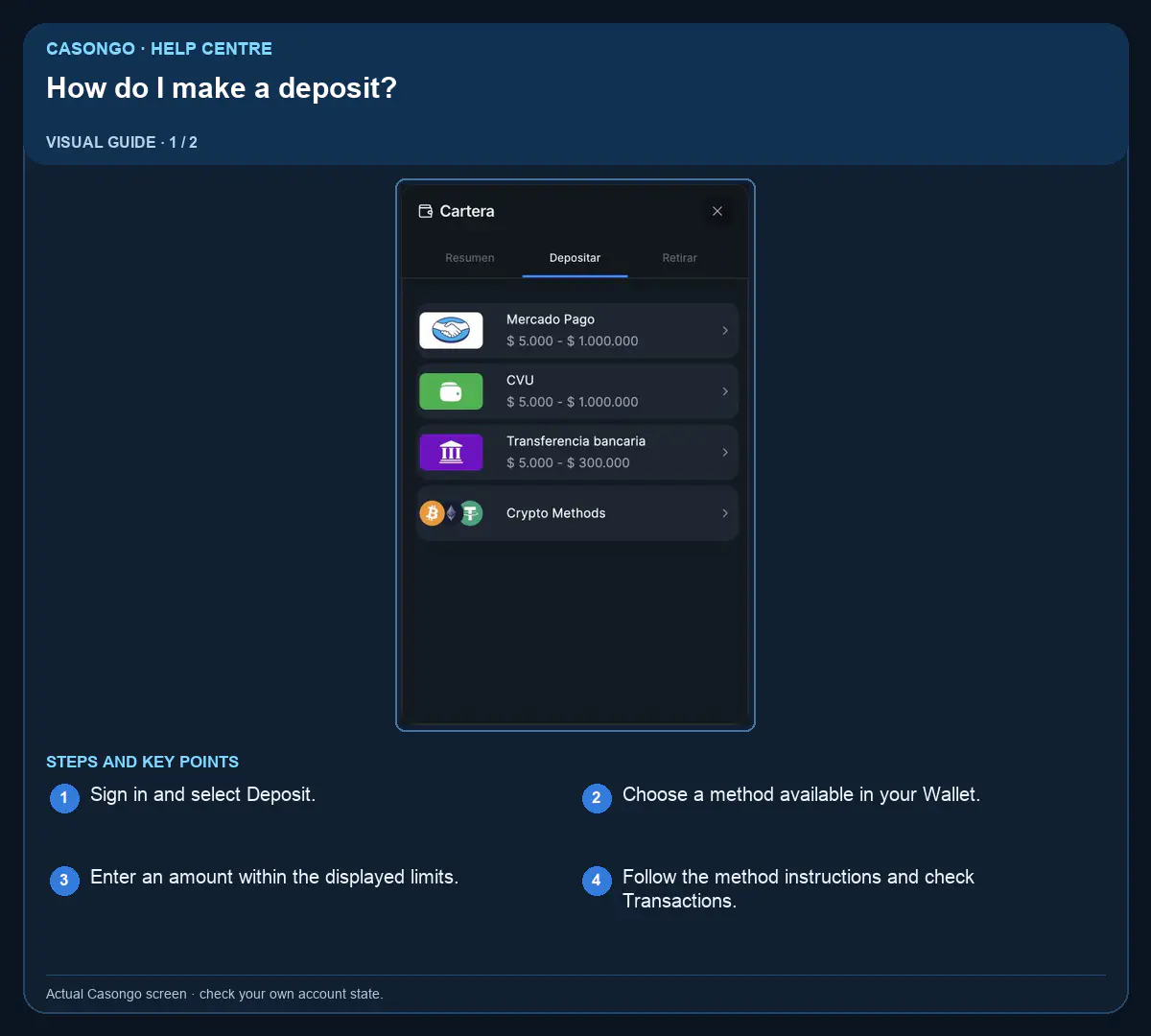
Step by step
- 1Sign in and select Deposit.
- 2Choose a method available in your Wallet.
- 3Enter an amount within the displayed limits.
- 4Follow the method instructions and check Transactions.
Interface example. Your account state and availability may differ.
Good to know
The Wallet has three tabs: Overview, Deposit and Withdraw. If you want a deposit promotion, activate it before you deposit. Methods, limits and times by country: Payment methods.