



How do I activate a promotion?
Activation and requirements depend on the offer. Opening the details does not enroll you. If the offer needs activation first, activate it before the deposit or activity that should count.
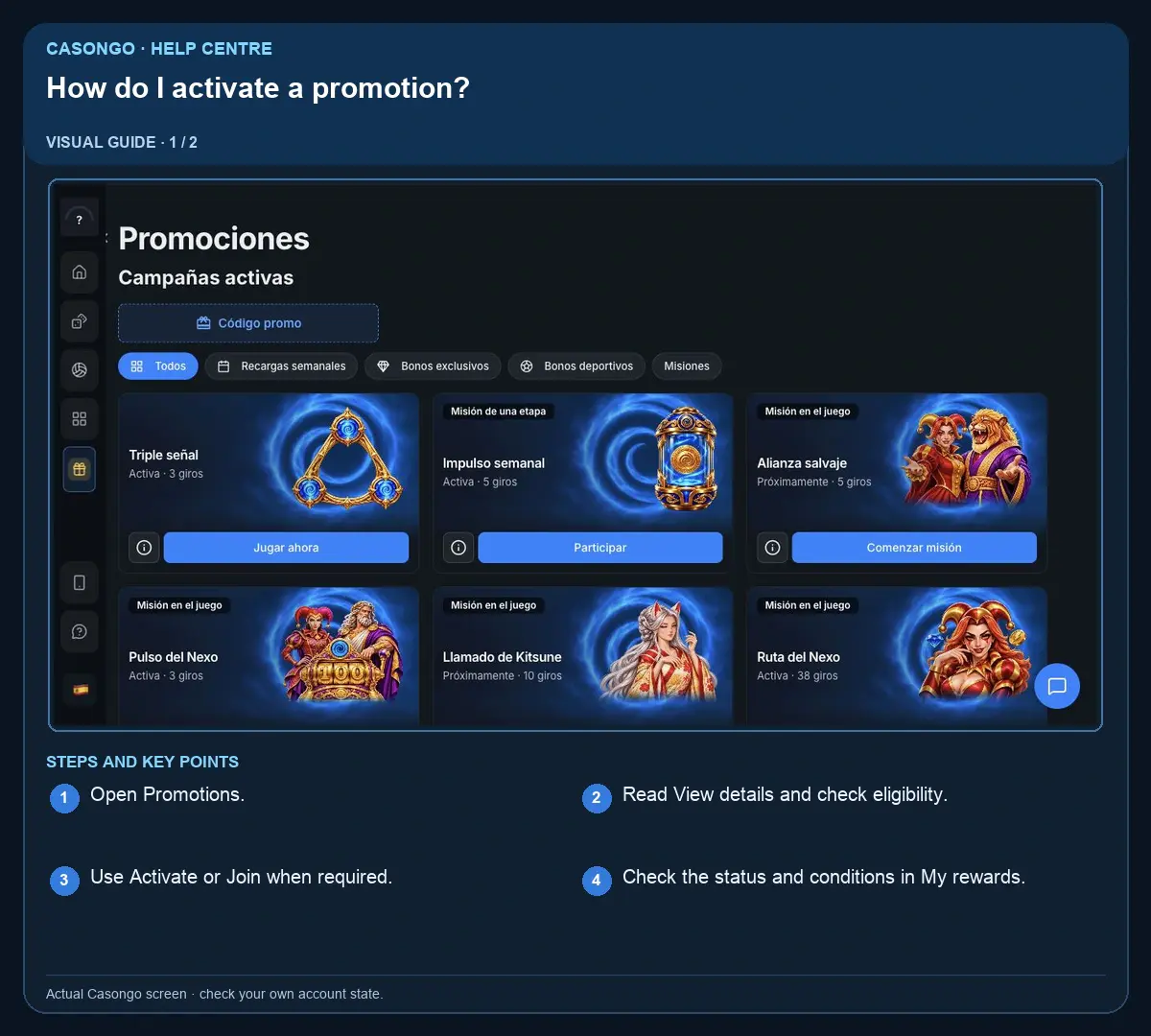
Step by step
- 1Open Promotions.
- 2Read View details and check that you qualify.
- 3If the offer asks for it, select Activate or Join before you deposit.
- 4If a reward must be claimed, it appears in Promotions → Bonuses (My rewards). Once the bonus is active, its wagering progress and expiry are shown in My Account → Bonuses.
Interface example. Your account state and availability may differ.
What to check
Choose the offer in Promotions before you deposit. Some offers activate a part automatically; the offer card tells you which. You can have only one active bonus at a time: others wait as «Queued».
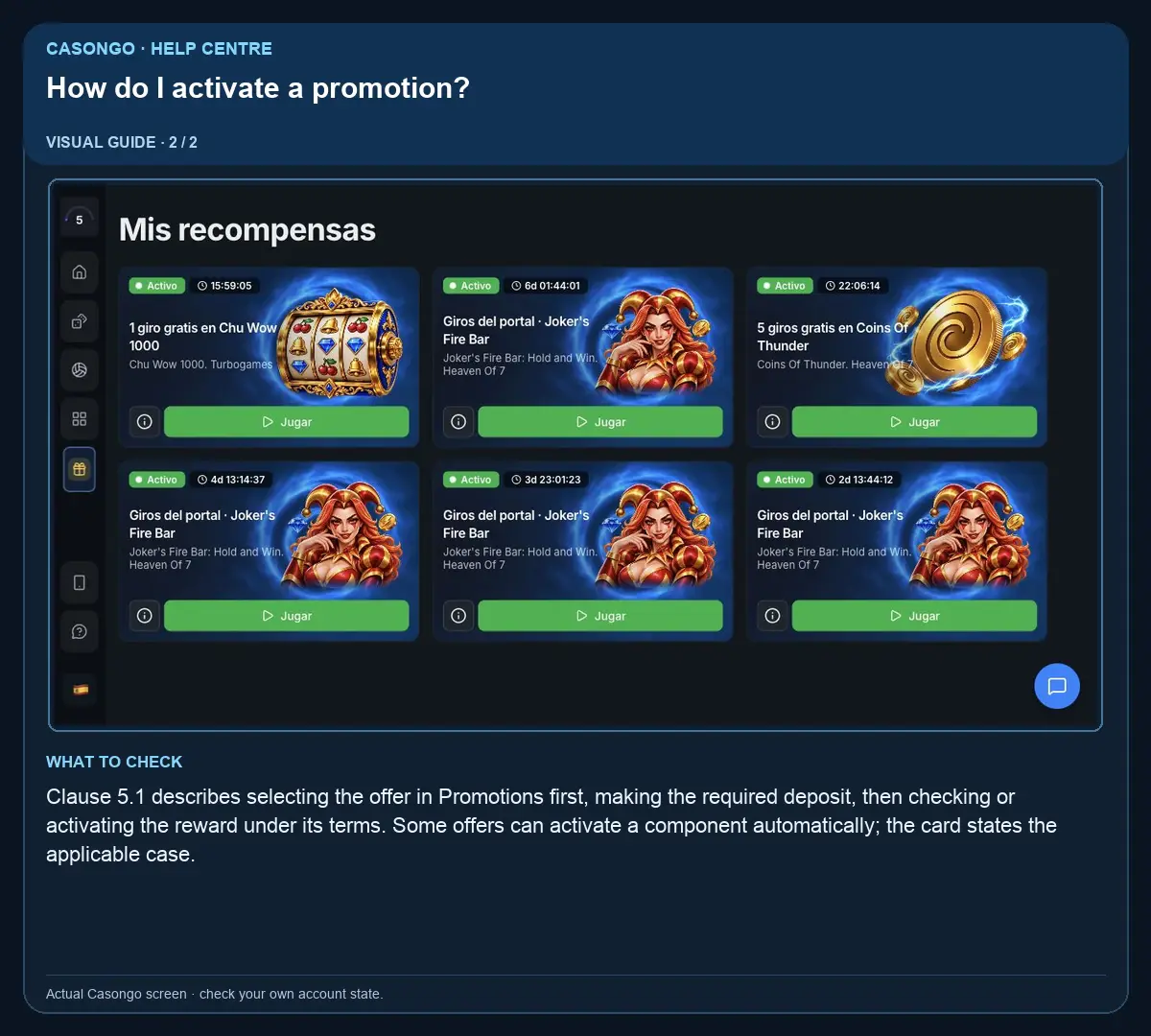
Interface example. Your account state and availability may differ.