



Where do I check verification?
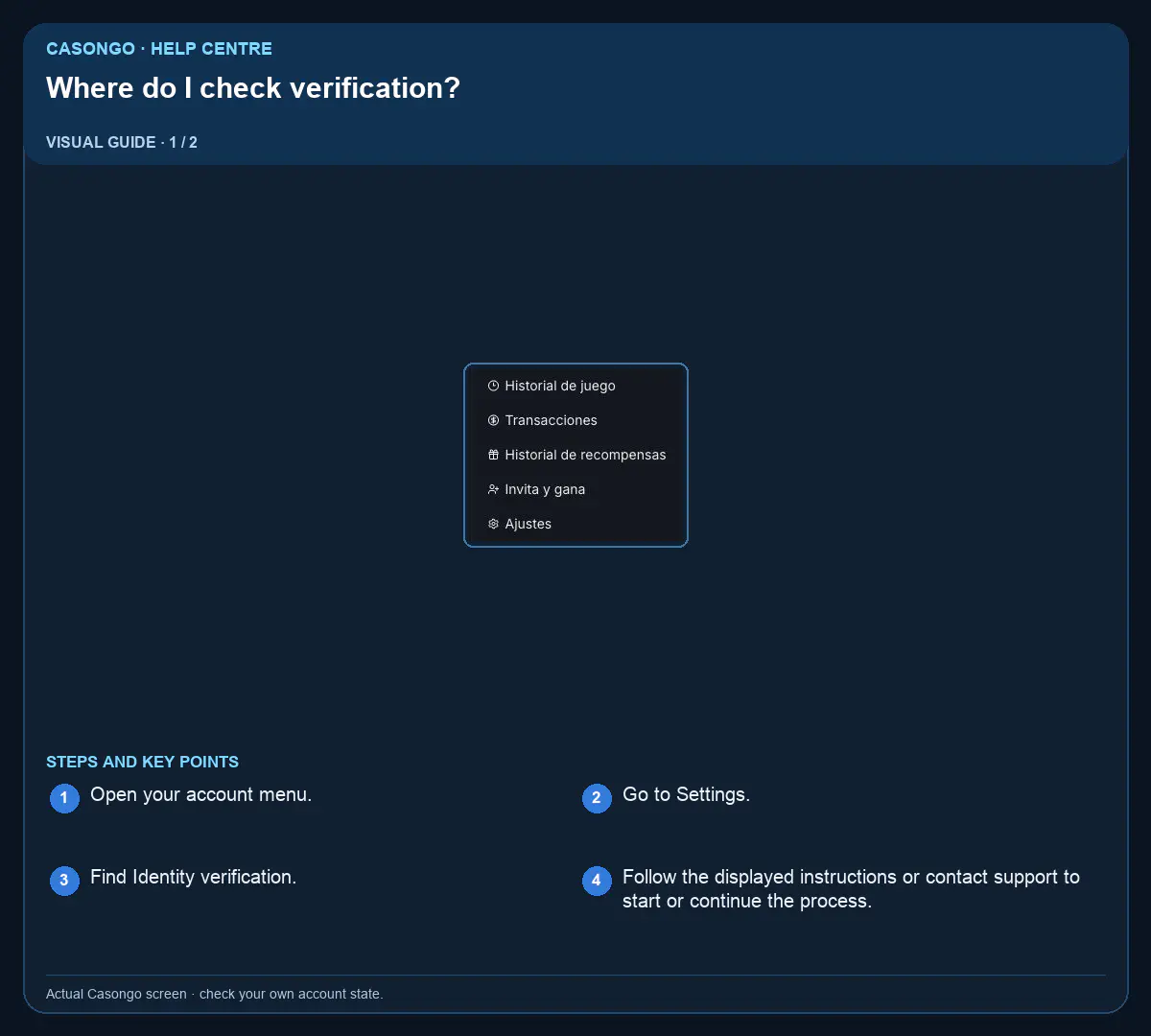
Open your account menu → Settings → Identity verification. There you see your status and, if you are not verified yet, the Verify Identity button.
Have your ID ready and finish in one session, as the link expires. Afterwards the status may show Pending while our team reviews it. If the button is missing or the process fails, contact us via chat.
Step by step
- 1Open your account menu.
- 2Go to Settings.
- 3Find Identity verification.
- 4Tap Verify Identity and complete the steps.
Interface example. Your account state and availability may differ.