



How do I start a mission?
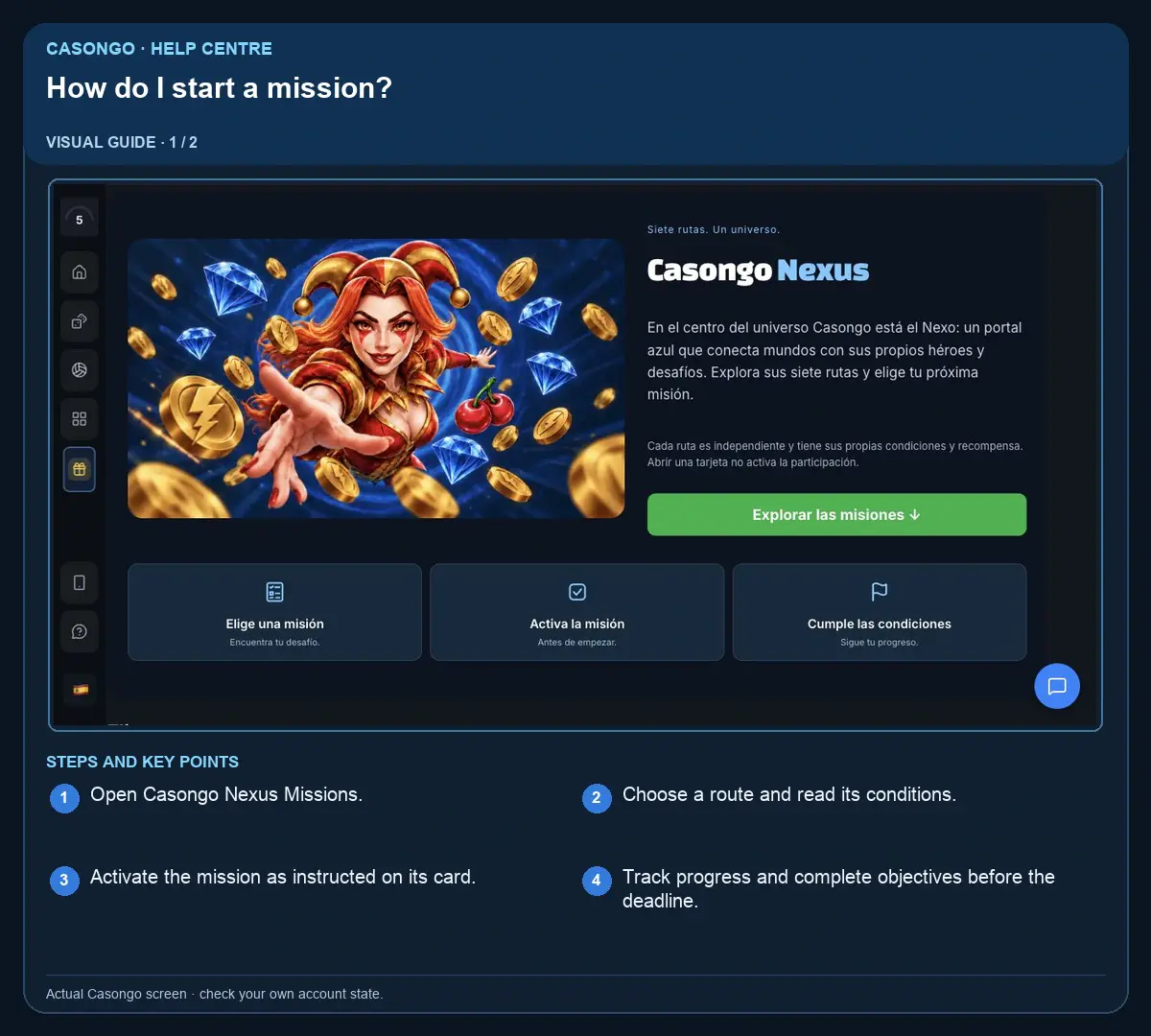
Open Casongo Nexus Missions, choose an active mission and read its terms. Opening a card does not enroll you: activate the mission before the activity you want to count.
Current example: for Weekly boost, tap Join mission on its card before depositing. Only deposits made after activation count.
Step by step
- 1Open Casongo Nexus Missions.
- 2Choose an active mission and read its terms.
- 3Activate it from its card.
- 4Track your progress and complete the goal before the deadline.
Interface example. Your account state and availability may differ.